







Mega Shredder Buying Guide: Choose the Right Shredder Without Overbuying

Mega Shredder Buying Guide: Choose the Right Shredder Without Overbuying
Shredders are one of those “set and forget” workplace purchases — until they fail at the worst possible moment. In shared offices, clinics, schools and admin-heavy teams, paper builds up fast. If the shredder is too slow, too noisy, or constantly jams, it becomes the bottleneck that drives risky behaviour: documents left on desks, sensitive pages in general recycling, and “temporary” piles that become permanent.
This guide is designed to help you choose a shredder that fits your team’s real workflow — with simple checks, clear trade-offs, and a decision table you can use in minutes.
Mega Shredder Buying Guide
What to check before you buy anything
A shredder should match both the risk level of the documents being destroyed and the volume your team produces. Before you compare models, quickly confirm:
- What you shred: general admin, payroll and HR, medical or client files, legal or financial records
- How often you shred: ad-hoc, daily end-of-day, or bulk purge sessions
- How many people share the unit: one user, a small team, or a whole office zone
- Where it will live: under-desk, central print area, reception, records room
- What you expect it to handle: staples, paper clips, small volumes of cards (where applicable)
Practical tip: Most shredders are purchased too early or too late: too early because a team guesses high and overspends, or too late because the current unit is already a daily frustration. Use the simple “people + volume” rule below to land in the right range quickly.
Understanding shredder types (and what they are actually for)
Shredders generally fall into a few practical categories. The key is choosing the one that fits your workplace behaviour, not just the specification sheet.
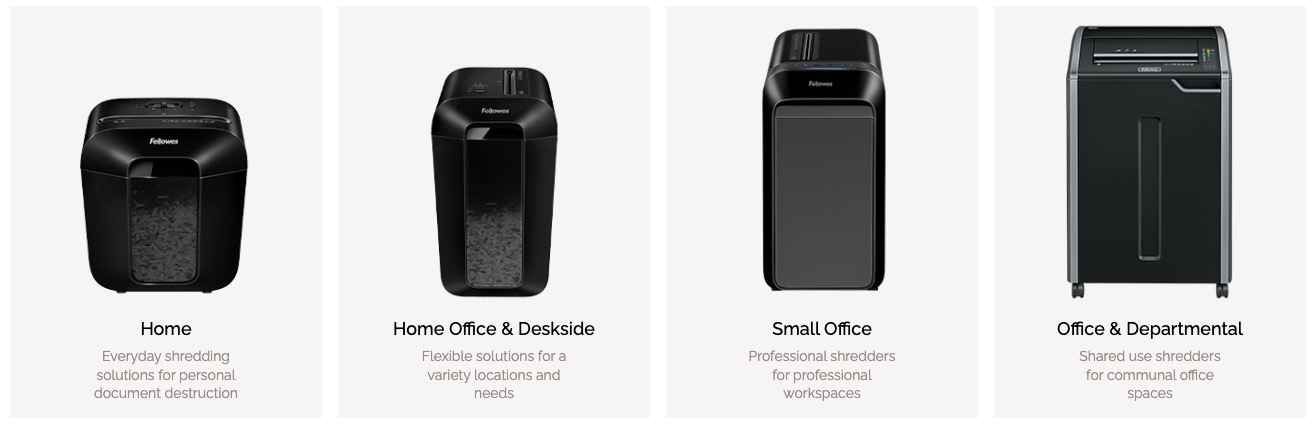
1) Small office and personal shredders
Best for low volume, one-user or small-team use. These suit under-desk placement when shredding is occasional and quiet operation matters.
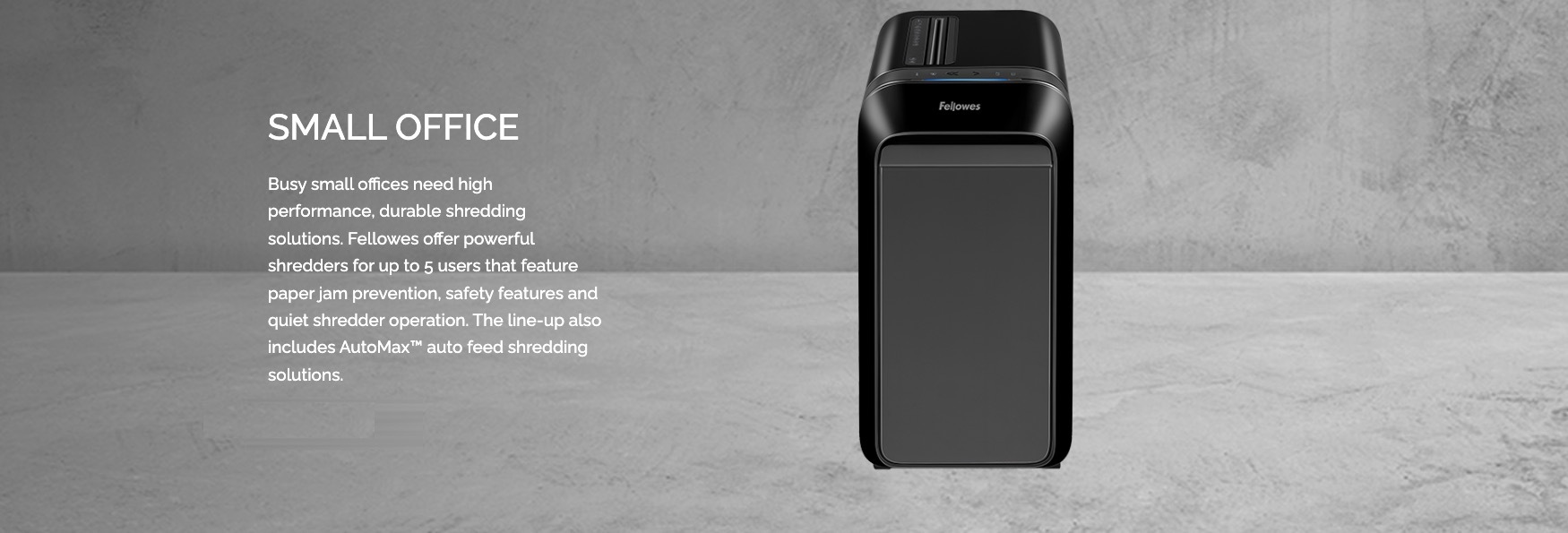
2) Busy office shredders
Designed for shared use and frequent shredding. These are a better fit for central areas where multiple people will use the machine throughout the day.
3) High-volume and departmental shredders
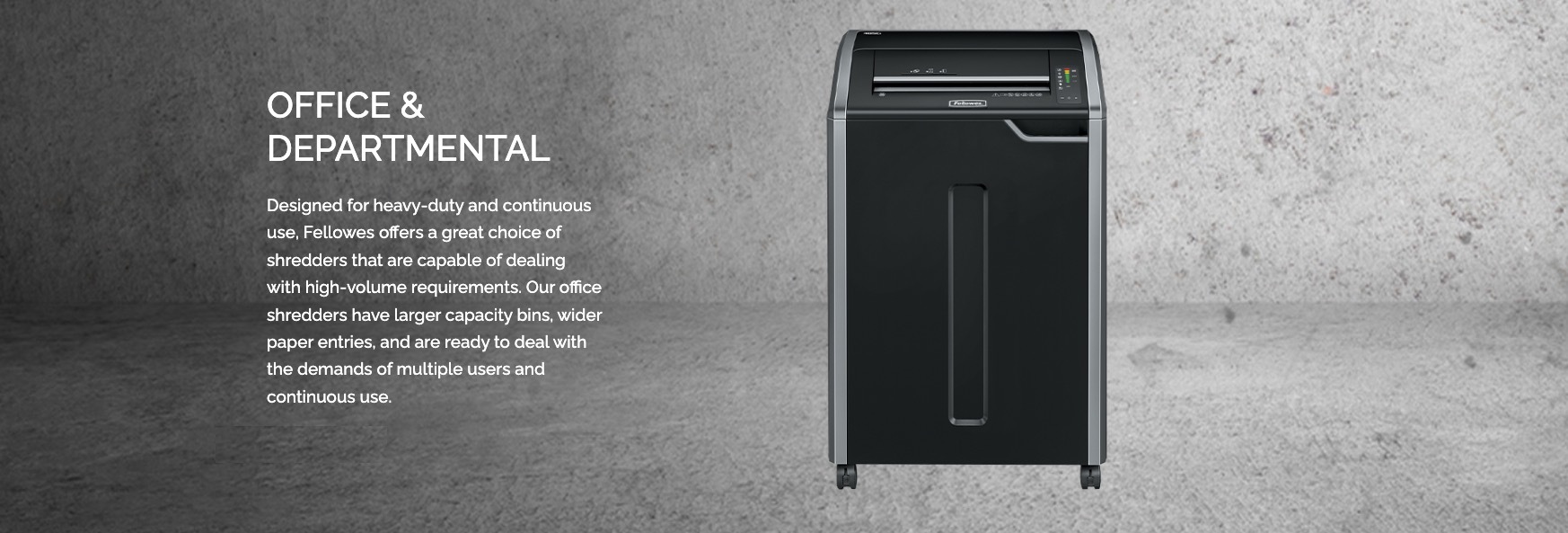
Built for sustained shredding and bulk clean-outs. If your team regularly clears archived files, processes large mail volumes, or runs scheduled disposal days, this category reduces jams and downtime.
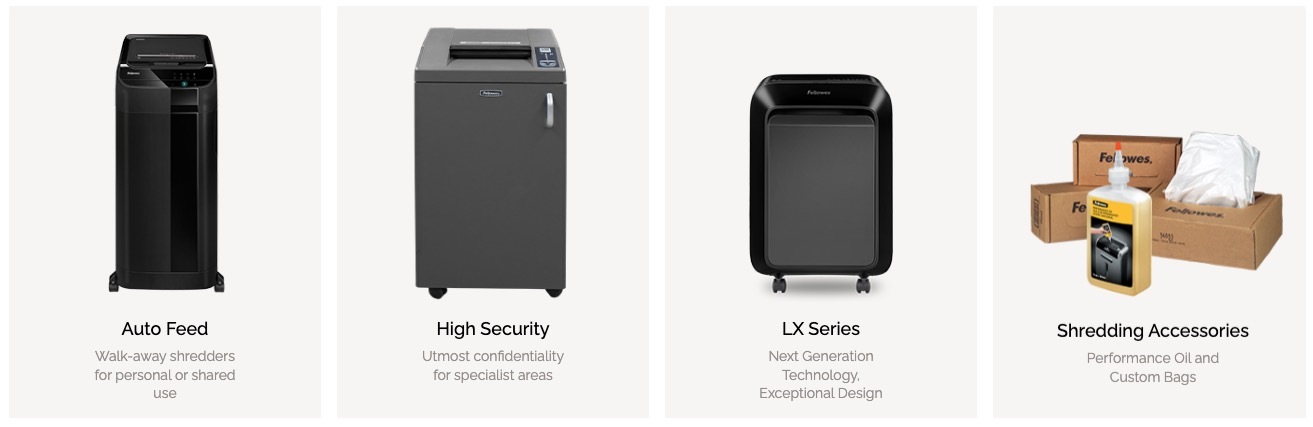
4) Auto-feed shredders (set-and-walk-away)
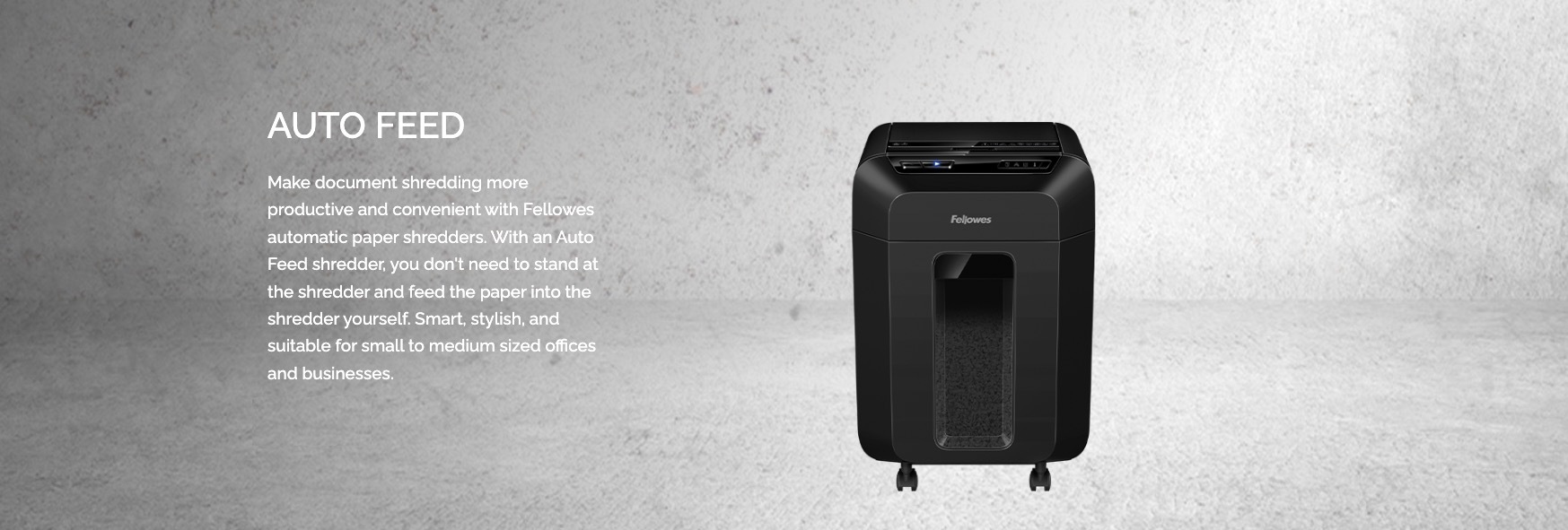
Ideal when your team needs to shred but cannot spare time to stand at the machine. Auto-feed units help reduce the “shredder queue” effect in shared offices.
FAQ: Should we buy a small shredder for each desk?
Usually not. Multiple personal units increase maintenance, inconsistent use, and replaceable-part churn. A well-chosen shared unit in the right location is typically more reliable and easier to manage.
The features that actually matter (and the ones that do not)
Shredder selection is often overcomplicated. For most workplaces, these are the practical decision drivers:
- Security level / cut type: match to document sensitivity and your disposal policy
- Sheet capacity: buy for realistic daily use, not occasional peak assumptions
- Run time and cooling: crucial for teams that shred in bursts or do bulk disposal
- Noise: important for shared desks, reception, and quiet zones
- Bin size and emptying rhythm: a small bin creates constant interruptions and overflow risk
- Jam prevention and reverse functions: reliability matters more than speed on paper
Practical tip: If the shredder is placed in a high-traffic area, prioritise a unit that is quiet and consistent over one that claims higher peak speed. People avoid noisy shredders — and avoidance is how paper risk creeps back in.
The simple “without regret” rules
If you remember nothing else, these rules prevent the most common purchasing mistakes:
- Choose one level above your current workload. It is better to have headroom than to run a shredder at its limit.
- Prioritise run time and bin size for shared offices. These two reduce queues and “I’ll do it later”.
- Match sensitivity to your policy. If your workplace policy requires secure destruction, buy to that requirement first.
- Do not underbuy and replace twice. The cheapest option often becomes the most expensive over 12 months.
FAQ: Is higher sheet capacity always better?
Not always. Higher capacity can be useful, but the real win is a shredder that handles your everyday use without frequent emptying, jams, or long cooling pauses.
Maintenance rhythm (often forgotten, always important)
Shredders fail for predictable reasons: overloaded bins, paper dust build-up, and inconsistent use patterns. A simple maintenance rhythm prevents most issues and extends service life.
- Weekly: empty bin before it overfills; check around the feed for loose scraps
- Monthly: review usage (is the shredder queuing? is paper building up elsewhere?)
- As required: follow manufacturer guidance for cleaning and performance care
Practical tip: Treat shredding like any other workplace control. If you want people to do it consistently, make it easy: correct placement, predictable emptying, and a clear “shred or store” rule.
Quick decision table (choose your category in 60 seconds)
Use the table below as a fast shortcut. It is not about perfection — it is about getting into the right band so the shredder is used consistently.
- 1–2 users, low volume: personal or small office shredder
- 3–8 users, steady daily use: busy office shredder
- 8+ users or regular bulk shredding: departmental / high-volume shredder
- Teams who cannot spare time to stand at the unit: auto-feed shredder
FAQ: Where should the shredder be placed?
Place it where the paper decision happens: near the printer, records area, or admin hub. If it is hidden in a back room, paper piles form before anyone acts.
Final word
A shredder is not just equipment — it is a behaviour tool. When you match the unit to your real workload, place it correctly, and keep it easy to maintain, teams shred consistently and paper risk drops without adding admin burden.
If you would like help selecting the right category for your workplace, start with your user count, document type (general vs sensitive), and whether you shred daily or in bulk. We can help you choose a practical fit without overbuying.
Newest Guide & Blog Updates

Mega Office Supplies Sustainability Program | AFR Leaders
Why Sustainability at Mega Office Supplies Is More Than a Commitment — It Is an Operational Standard...

Best Seller Categories: Envelope Range – Everything You Need to Know for 2026
Best Seller Categories: Envelope Range – Everything You Need to Know for 2026 Looking for the best...

Presentations and Displays: The Essential Tools for Professional Communication in Modern Workplaces
Presentations and Displays: The Essential Tools for Professional Communication in Modern Workplaces...

The Importance and Tradition of Legal Tape: Understanding Its Purpose and Continued Use in the Legal Profession
The Importance and Tradition of Legal Tape: Understanding Its Purpose and Continued Use in the Legal...

Mega Shredder Buying Guide: Choose the Right Shredder Without Overbuying
Mega Shredder Buying Guide: Choose the Right Shredder Without Overbuying Shredders are one of those...

Creative Escape 2026: The Scrapbooking Stationery We’re Bringing to the Retreat (and How to Use It)
We’re proud to be sponsoring Creative Escape 2026 with goody bag goodies and a special prize, and we...